

Sponsored Link
Download grub2 splash image .deb package from here
Install this package by double clicking on it or by using the following command from your terminal
sudo dpkg -i packagename
If you are running 64-bit version run the following command
sudo dpkg -i --force-architecture filename.deb
Screenshots
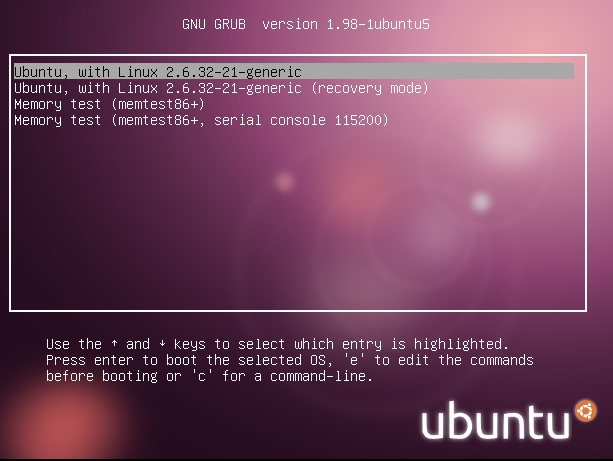
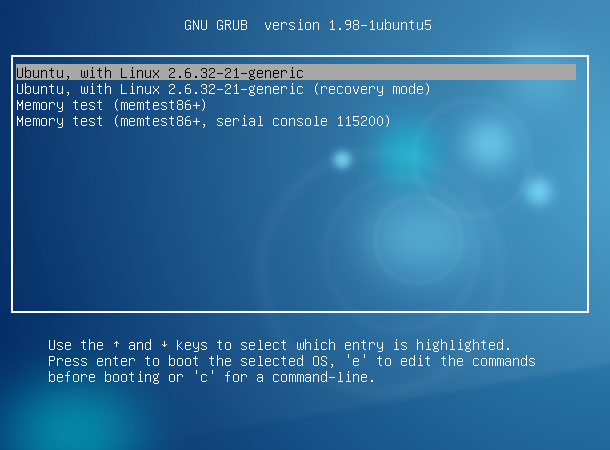

Via Ubuntulife
I like the second one…
I agree, it’s nice.
Looks awesome! Will we be getting this in Maverick? :O
COOL! It will be sooo good! d(^_^)b
Why would we want this? What happens if the picture file gets corrupted? This is like putting graphical backgrounds and animations in the BIOS menu.
Because it looks nicer! Hopefully it would come with options for people who don’t feel comfortable with it.
it works. i forgot sudo update-grub
🙂
Looks good. But how does one get rid of it if one tires of looking at it and longs for the old, boring look of no splash?
This is nice, seeing as whenever i see white text on a black screen it usually means i’ve royally destroyed my system!