

Sponsored Link
What is new in vlan 1.1.12
VideoLAN and the VLC development team present VLC 1.1.12, a bug and security fix release with improvements for audio output on Mac OS X and with PulseAudio.
This release was necessary due to a security issue in the HTTP and RTSP server components, though this does not affect standard usage of the player.
Binaries for Mac OS X and sources are available.
Install VLC 1.1.12 on ubuntu 11.10/11.04
Open the terminal and run the following commands
sudo add-apt-repository ppa:n-muench/vlc
sudo apt-get update
sudo apt-get install vlc mozilla-plugin-vlc
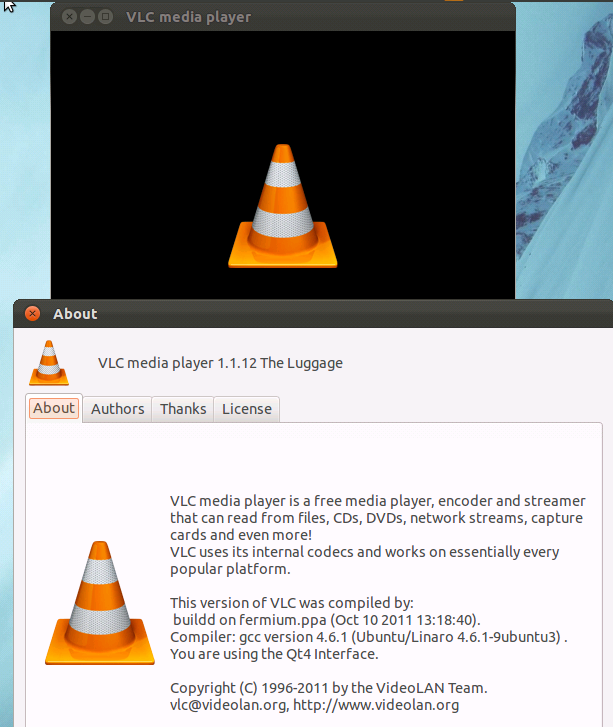
Screenshot
how can i install this offline?
Why would someone use this one when can use the one from the real source?!?!?!
% sudo add-apt-repository ppa:lucid-bleed/ppa
% sudo apt-get update
% sudo apt-get install vlc vlc-plugin-pulse mozilla-plugin-vlc
Thanks Ubuntu Geek ! Its working well. 🙂
I have the setup of VLC 1.1.12 for Linux. But when I install it throgh terminal I get an error of library folder. Are we forced to download it through Ubuntu 11.04?
Actually i an quite now on Ununtu. I am using ununtu 11.04 and i want to install VLC.
I have a problem with downloading and installing vlc media player.
When i run first command:
sudo add-apt-repository ppa:n-muench/vlc
then error arises as:
SSL Connection timeout at 292008
installing a new program in ubuntu fedora is a big problem for me
vlc not install :
sudo add-apt-repository ppa:n-muench/vlc
sudo apt-get update
sudo apt-get install vlc mozilla-plugin-vlc
…………………………………..this error
Reading package lists… Done
Building dependency tree
Reading state information… Done
E: Unable to locate package vlc
E: Unable to locate package browser-plugin-vlc