

Sponsored Link
First you need to download picasa for linux from here
sudo wget http://dl.google.com/linux/deb/pool/non-free/p/picasa/picasa_2.2.2820-5_i386.deb
now we have a picasa .deb package
Install .deb package
sudo dpkg -i picasa_2.2.2820-5_i386.deb
this will complete the installation
Now you need to open picasa from Applications--->Graphics--->Picasa

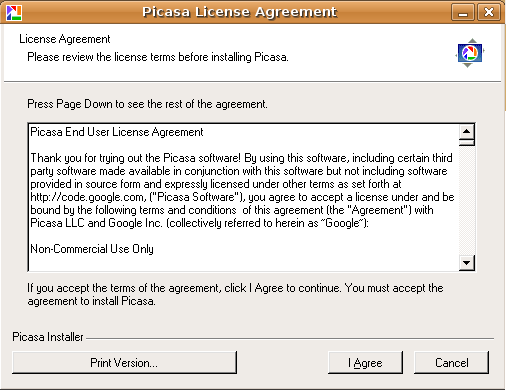
First time it will prompt for license click on i agree
This will open the window asking for complete scan or only desktop select your option and continue

It will find all the available images in your system you can see this in the following screen

i would like to install my pictures in google website then people can see it in all world.
specialy my friend and family
There’s a way to actually install Picasa using apt-get, which for me is in a way better. The howto is here:
http://www.techrecipes.net/linux/install-picasa-in-ubuntu.html