

Sponsored Link
Features
•import photos from any digital camera supported by gPhoto
•automatically organize events containing photos taken at the same time
•non-destructive editing allows altering photos without ruining originals or using disk space for each copy
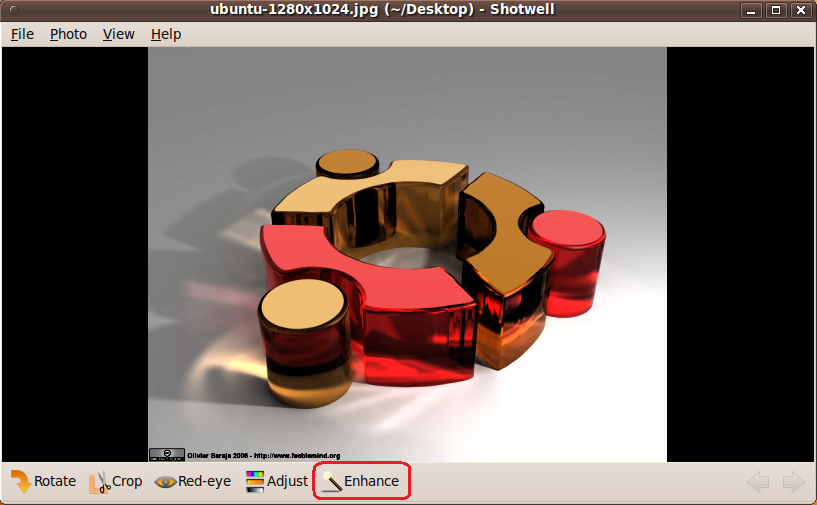
•one-click auto-enhancement
•rotate, mirror, and crop photos
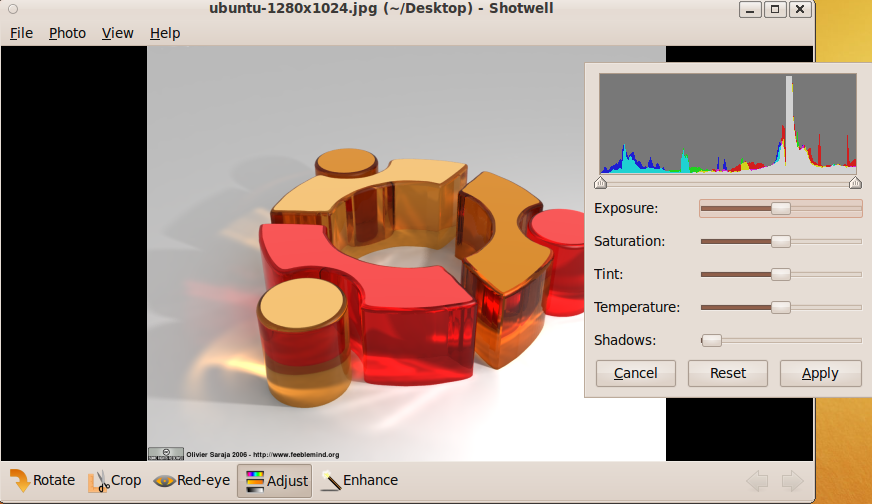
•reduce red-eye and adjust the exposure, saturation, tint, and temperature of your photos
•export photos as they are or by specifying dimensions and JPEG quality to reduce size
•edit any photo, even if it's not imported to the Shotwell library
Install Shotwell in Ubuntu
For Ubuntu 9.10 users
sudo add-apt-repository ppa:yorba/ppa
For Ubuntu 9.04 Users
Edit /etc/apt/sources.list file
gksudo gedit /etc/apt/sources.list
Add the following lines
deb http://ppa.launchpad.net/yorba/ppa/ubuntu jaunty main
deb-src http://ppa.launchpad.net/yorba/ppa/ubuntu jaunty main
Save and exit the file
Add GPG key
sudo apt-key adv
--keyserver keyserver.ubuntu.com--recv-keys E549B1AC
Update source list
sudo apt-get update
Install shotwell
sudo apt-get install shotwell
Using Shotwell
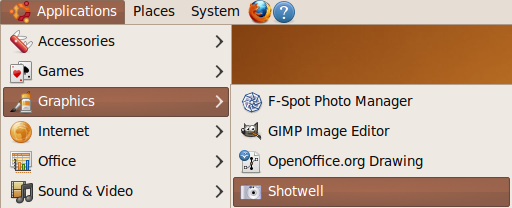
Open shotwell from Applications--->Graphics--->Shotwell
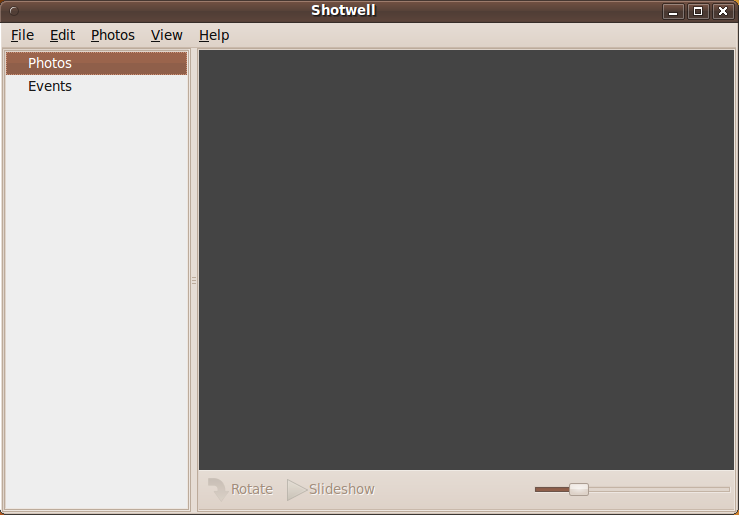
Once it opens you should see similar to the following screen
You can open your photo and do adjustments
Enhanced image
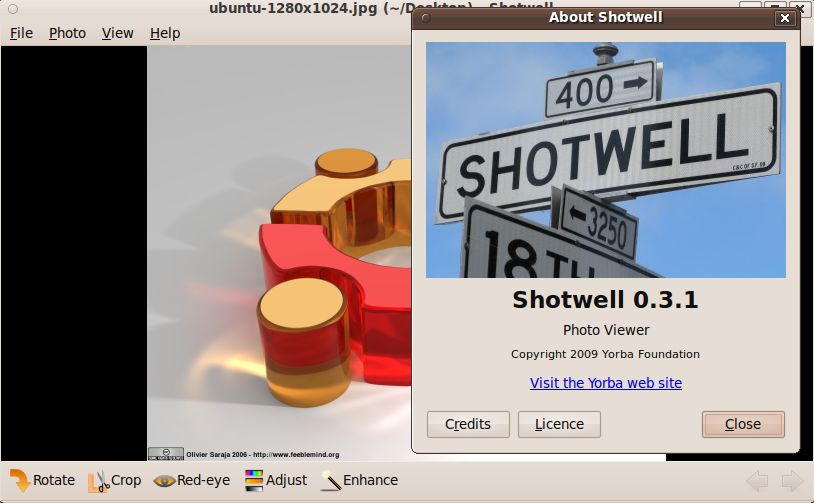
Shotwell Version details
looks primitive compared to f-spot –
how about migration from f-spot? Will it import f-spot’s library?
I think these are some really bad decisions coming out of canonical! Why are they trying to be so much like the mac? I use ubuntu because it is not a mac or windows! I guess I will start looking for a new distro!
I didn’t think fspot could make exposure and White balance adjustments? Which is sonething I’ve always missed from lightroom. I’ll have to go and check now as I’ll be happy if fspot can do this.
Grow up adam.
Just because a single app is changed you start “looking for a new distro”. Why can’t you just delete what you don’t want and add what you like.
Shotwell looks, well, plain. Guess I will have to evaluate how powerful it really is.
If it does not support albums, then it wont be suitable for me.
Shotwell is licensed under the LGPL version 2.1 or later.
Glad to see all the interest in Shotwell on this thread. (I’m the founder and director of Yorba, creators of Shotwell). I’ll respond to some of the questions above. Shotwell’s import capability has no specific knowledge of F-Spot, but you should be able to import the folder containing all your F-Spot photos easily. At some point we’d like to be able to import edits and tags from F-Spot (see http://trac.yorba.org/ticket/139), but Shotwell doesn’t have tags yet so we can’t import those yet.
Shotwell does not support albums yet – that’s on our to-do list (see http://trac.yorba.org/ticket/81). Hopefully early next year.
You say, “…but Shotwell doesn’t have tags yet…” as though it is just another thing which might come along given time, and as though there are more pressing needs (maybe there are, but I don’t understand what they might be).
The lack of tags is the one thing holding me back from adopting it. Without tags, it becomes impractical to organise images through the manager (unless one has a superb memory for when a particular image was taken).
Tags change an application which merely lists images, into one which can be used to manage and organise them.
Surely it ought to be right at the top of your list of things to do. Just my opinion.
Tags are in fact at the top of the to-do list, and Shotwell 0.5, which will be released in March, will include tags. Tags are in fact already partially implemented in the Subversion trunk.
Hi,
I installed Shotwell 0.5.2 on Lucid Lynx. It seems to be very fast compared to f-spot.
But what I really miss is a screensaver. Is there any possibility to use a third-party program that reads the most prefered photos from the Shotwell db? Or will this be a feature in 0.6 as you, Adam, wrote on your mailing list? And when will version 0.6 be released?
Another thing I miss is a possibility to add versions to a photo. As I got a DSLR which shots multiple photos, I’d like to have the best photo in front and the rest of the series behind.
Love, Sally
Sally,
if you want to use a screensaver with photos from Shotwell, at the moment you’ll need to use File->Export to export the photos to a directory and then use a third-party screensaver program. We would like to add a built-in screensaver to Shotwell (this is http://trac.yorba.org/ticket/1112) but this will not be in Shotwell 0.6, which will be released later this month (June). Hopefully we’ll add screensaver support some time later this year.
I agree it would be nice to support multiple shots of each photo. We have a ticket for this at http://trac.yorba.org/ticket/2090 .
Thanks again for your interest in Shotwell!
adam
Tried Shotwell on my 10.04 / 64bit box.
I didn’t get very far. Seems when the application is started (which it appears to do just fine), my mouse pointer routinely freezes.
My entire system (not just Shotwell) becomes rather non-responsive to pointer input.
Closing the app fixes the issue. Anyone else?
This is a known problem, and one we’re anxious to fix. Our ticket is here: http://trac.yorba.org/ticket/2269
— Jim
How do I install it in Hardy?
Shotwell worked until the first import from my photo folder. Now it crashes 100% of the time within 2 or 3 seconds of starting.
I’m having a hard time seeing Shotwell as an improvement. FSpot wasn’t perfect but it was usually stable.
@bastard: Shotwell won’t run on Hardy, unfortunately. You’ll need to upgrade to a newer version of Ubuntu.
@wildbillc: Sorry to hear about the crash. If you’d like to file a bug report following the instructions in our FAQ (http://trac.yorba.org/wiki/Shotwell/FAQ) then we’ll try to help you out.
Hello:) I have Ubuntu on my laptop, running from a USB drive….everything has been working fine up unti today.I clicked on the Shotwell ‘panel’ on the bar on the left….nothing happened, it just ‘clicked’ itself a few times and then did nothing. I’ve even tried re-installing Shotwell but nothing happened.Please could you help, i love this photo manager and i don’t really want the other ones cos they don’t have auto-import…?
I am new to Shotwell and need detailed instructions on how to use the facility,how to copy, save, attach to e-mails etc. I have done a number of searches for instructions and mostly get a lot of opinions from users which is no good to me. Have also tried Ubuntu Geek without luck.
Marnie, see the Shotwell user guide at http://yorba.org/shotwell/help/ .