

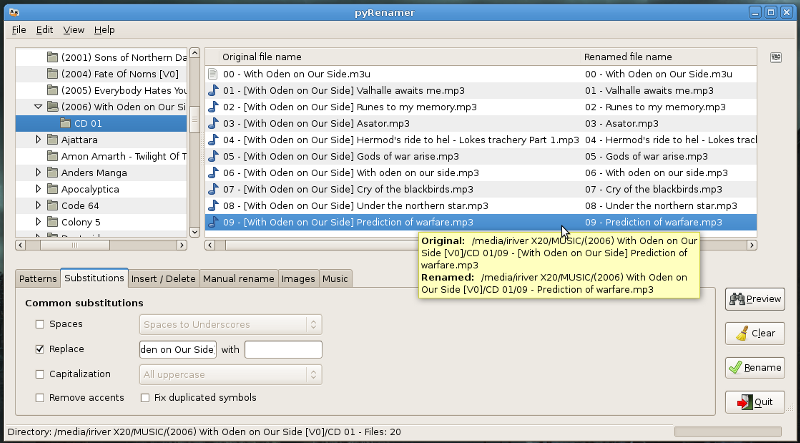
You can rename files using patterns, search and replace, substitutions, insert or delete text, or even rename files manually. You can also rename images using their EXIF tags and music using their internal tags.
Install pyrenamer on ubuntu
Open the terminal and run the following command
sudo apt-get install pyrenamer
Screenshot
Thanks for this and for gprename. After a brief look at both, however, I think I’ll stick to the renaming function in Thunar (http://thunar.xfce.org/). I find it has greater functionality and flexibility.